
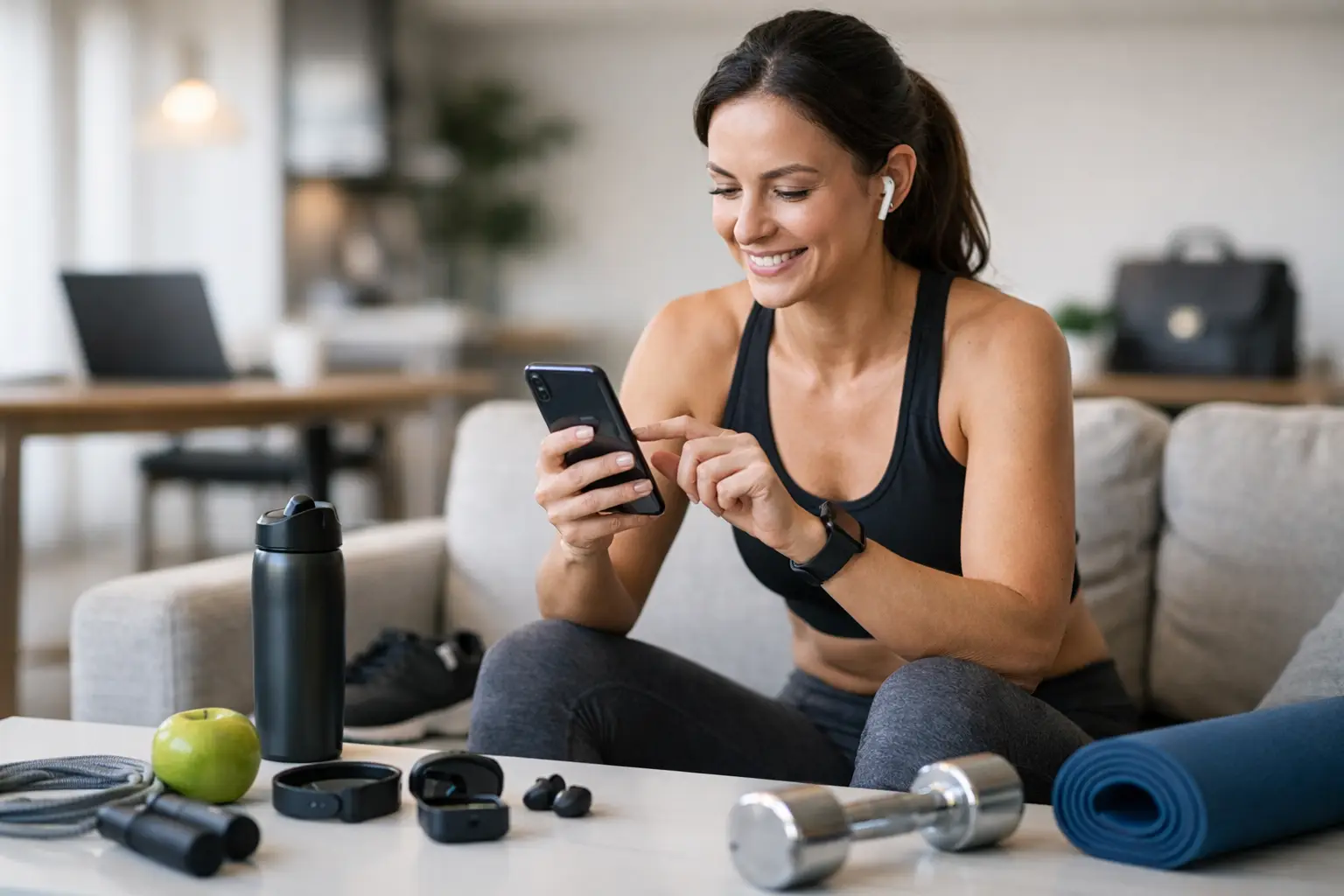
A fitness app can be a helpful coach in your pocket or another monthly charge that quietly adds pressure to your day. The best fitness app reviews do more than rank flashy features. They ask whether an app helps you move consistently, recover well, and feel stronger without demanding that your entire life revolve around a workout plan.
For a parent squeezing in 20 minutes before school pickup, a shift worker training at unpredictable hours, or someone returning to exercise after burnout, the right app is usually the one you will actually open again next week. Here is a practical look at popular options and how to choose with your real life in mind.
Table of Contents
- What makes a fitness app worth using
- Best fitness app reviews at a glance
- How to choose your app
- Features that protect consistency
- Frequently asked questions
What Makes a Fitness App Worth Using
A good app does not need to do everything. In fact, an app with hundreds of workout choices can create more decision fatigue if every session requires a long search. The most useful platform gives you a clear next step, offers enough variety to prevent boredom, and respects the equipment, time, and energy you have available.
Look beyond before-and-after marketing. Consider whether workouts include beginner modifications, form cues, rest days, mobility work, and guidance that does not treat soreness as proof of success. Cost matters, too. A lower-priced app you use three times a week is a better investment than premium coaching you avoid because the plan feels intimidating.
Best Fitness App Reviews at a Glance
These apps serve different needs, so there is no universal winner. Features, prices, and trial offers can change, but this comparison focuses on the type of support each platform is generally built to provide.
1. Nike Training Club: Best for Flexible Home Workouts
Nike Training Club is a strong starting point for people who want guided sessions without turning exercise into a complicated project. Its library includes strength, mobility, yoga, and bodyweight workouts, making it especially useful when your week includes a mix of living-room workouts and busy days.
The trade-off is personalization. You can find quality instruction, but you may need to make more of your own decisions about progression and weekly structure. That can be freeing for experienced exercisers and less helpful for a true beginner who wants a plan laid out for them.
2. Peloton: Best for Instructor-Led Motivation
Peloton has grown beyond cycling into a broad library of instructor-led classes. Its strength is emotional momentum: a coach who is encouraging, a class that fits a specific time window, and a format that can make a Tuesday evening workout feel less lonely.
That same energy is not right for everyone. If competitive language, high-intensity playlists, or constant encouragement makes you feel pressured, choose classes and instructors carefully. The app can support a balanced routine when you include mobility, walking, yoga, and recovery classes instead of treating every session as a test.
3. Apple Fitness+: Best for Simple, Polished Guidance
Apple Fitness+ works particularly well for people already using an Apple Watch and other Apple devices. Workouts are easy to filter by length, trainer, and category, and the instruction is approachable for many fitness levels. The shorter class options are valuable when a full workout is not realistic.
Its limitation is practical rather than personal: it is most convenient if you are already in the Apple ecosystem. If you use another type of phone or wearable, a less device-dependent app may make more sense.
4. Fitbod: Best for Structured Strength Training
Fitbod is designed around strength workouts and can generate sessions based on your available equipment, target muscles, and previous training. For someone who walks into a gym and loses time wondering what to do next, that structure can remove a major barrier.
Still, an algorithm cannot watch your squat or recognize that a lingering shoulder ache needs attention. Use conservative weights when learning a movement, prioritize form over app-generated targets, and seek qualified help for pain or uncertainty.
5. Future: Best for Personal Coaching Accountability
Future pairs users with a coach who creates training plans and checks in through the app. This can be a meaningful option for people who need programming tailored to travel, a demanding job, or a specific goal such as building confidence in the weight room.
The downside is cost. Before committing, ask whether you need individualized coaching or simply a reliable plan and an accountability partner. A friend, a calendar reminder, or a lower-cost app may provide enough support for your current season.
6. Down Dog: Best for Custom Yoga and Mobility
Down Dog is especially useful when recovery needs to be part of the plan rather than an afterthought. You can adjust session length, pace, and focus, which makes it easier to fit gentle movement into a stressful day or add mobility after strength training.
It is not a complete solution for every goal. Pair it with walking, resistance training, or another movement practice if you want a more well-rounded weekly routine.
How to Choose a Fitness App That Fits Your Life
Before comparing free trials, answer three questions: What kind of movement do I enjoy or want to learn? What time do I honestly have most weeks? What support am I missing right now?
Then use these four steps to test an app without over-committing:
- Choose one primary goal. You might want stronger legs, less stiffness, better energy, or a return to regular exercise. A focused goal makes the app easier to evaluate.
- Try three ordinary workouts. Do not judge an app only on your most motivated day. Use it on a busy weekday, a low-energy day, and a more open day.
- Check the recovery options. Look for warm-ups, cool-downs, mobility, rest guidance, and beginner modifications. These features often matter more than a massive class library.
- Review the emotional cost. Notice whether the language makes you feel capable or behind. Motivation should support your life, not make you feel guilty for having one.
Features That Protect Consistency
The best app feature is often not advanced tracking. It is flexibility. Search filters for 10- to 30-minute sessions, equipment-free alternatives, downloadable workouts, and clear modifications can keep a routine intact when travel, caregiving, deadlines, or fatigue disrupt your plans.
Also pay attention to how an app handles progress. Helpful measures include completed sessions, increased range of motion, steadier energy, improved technique, and confidence using weights. Scale changes can happen, but they do not tell the full story of stronger habits or better health.
If you have a medical condition, are pregnant or postpartum, are recovering from injury, or experience persistent pain, app content should complement rather than replace individualized care from a qualified health professional.
A Practical Closing Thought
The right fitness app should make the next healthy choice feel more manageable. Start with one or two sessions a week, leave room for walks and rest, and let consistency build before you add intensity. Your routine does not need to look impressive online to be effective in your body and your life.
Frequently Asked Questions
What is the best fitness app for beginners?
For many beginners, Nike Training Club or Apple Fitness+ can be approachable because they offer guided workouts, short sessions, and a range of movement styles. The best choice depends on whether you prefer bodyweight training, instructor-led classes, or a structured gym plan. Start with beginner filters and repeat familiar workouts until the movements feel more comfortable.
Are free fitness apps good enough?
They can be. A free app is enough when it gives you safe instruction, workouts you enjoy, and a simple way to be consistent. Paid subscriptions may be worthwhile for personal coaching, specialized programming, more class variety, or equipment integration, but paying more does not automatically create a better habit.
How many times a week should I use a fitness app?
Two to four planned sessions per week is realistic for many adults, especially when paired with everyday movement such as walking, active chores, or playing with family. Begin with the amount you can sustain during a demanding week, not an ideal week. That is where a lasting routine begins.
For more exercise tips, read The Resilient Athlete: A Self-Coaching Guide to Next Level Performance in Sports & Life by Andrejs Birjukovs.